Booklet Single Pages vs Spreads
There are two common ways to save booklet files for professional printing.
Single Pages
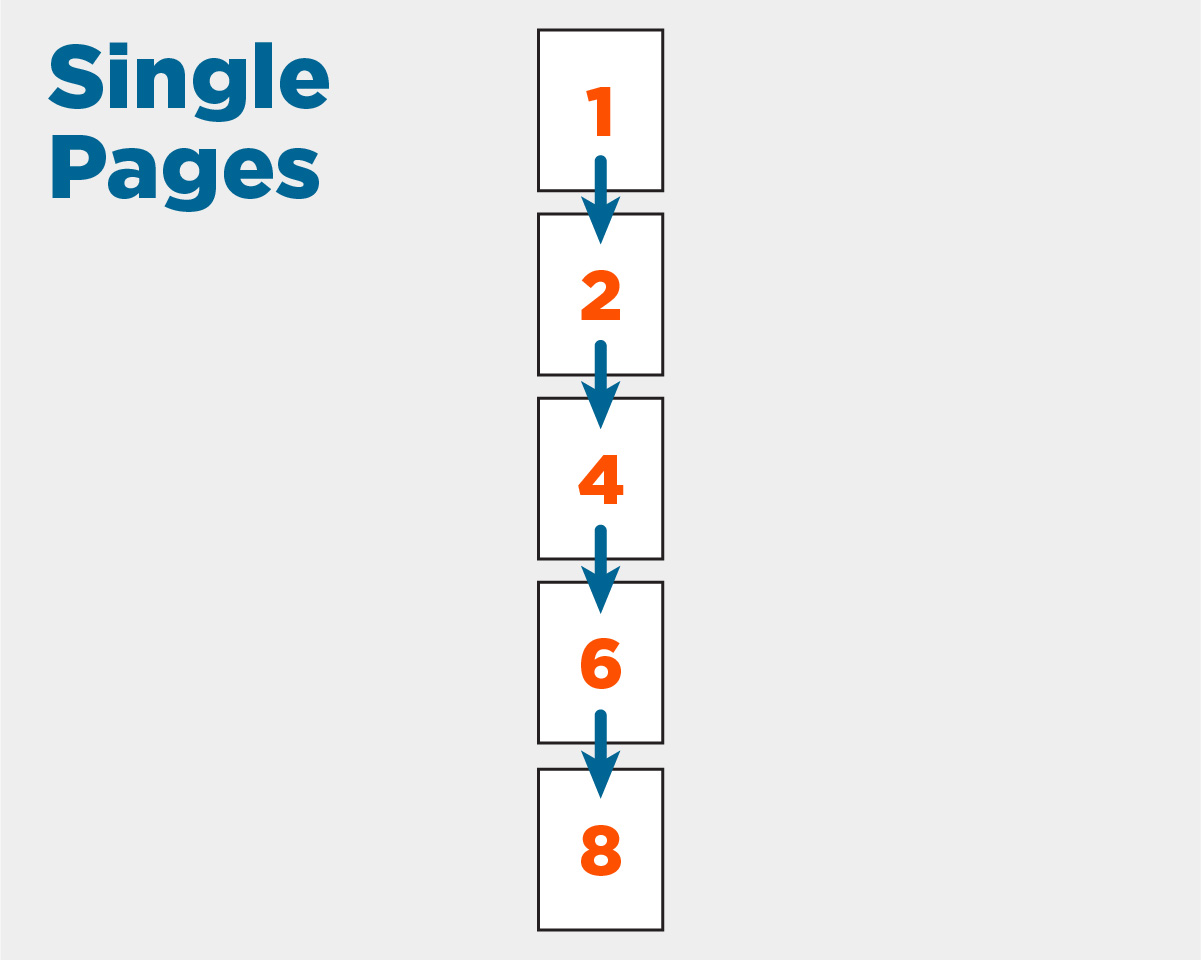
Single pages are saved as individual pages in numerical order (1, 2, 3, 4, etc.). Each page remains its original size—such as 8.5" × 11"—and appears as a separate page within the PDF.
Spreads
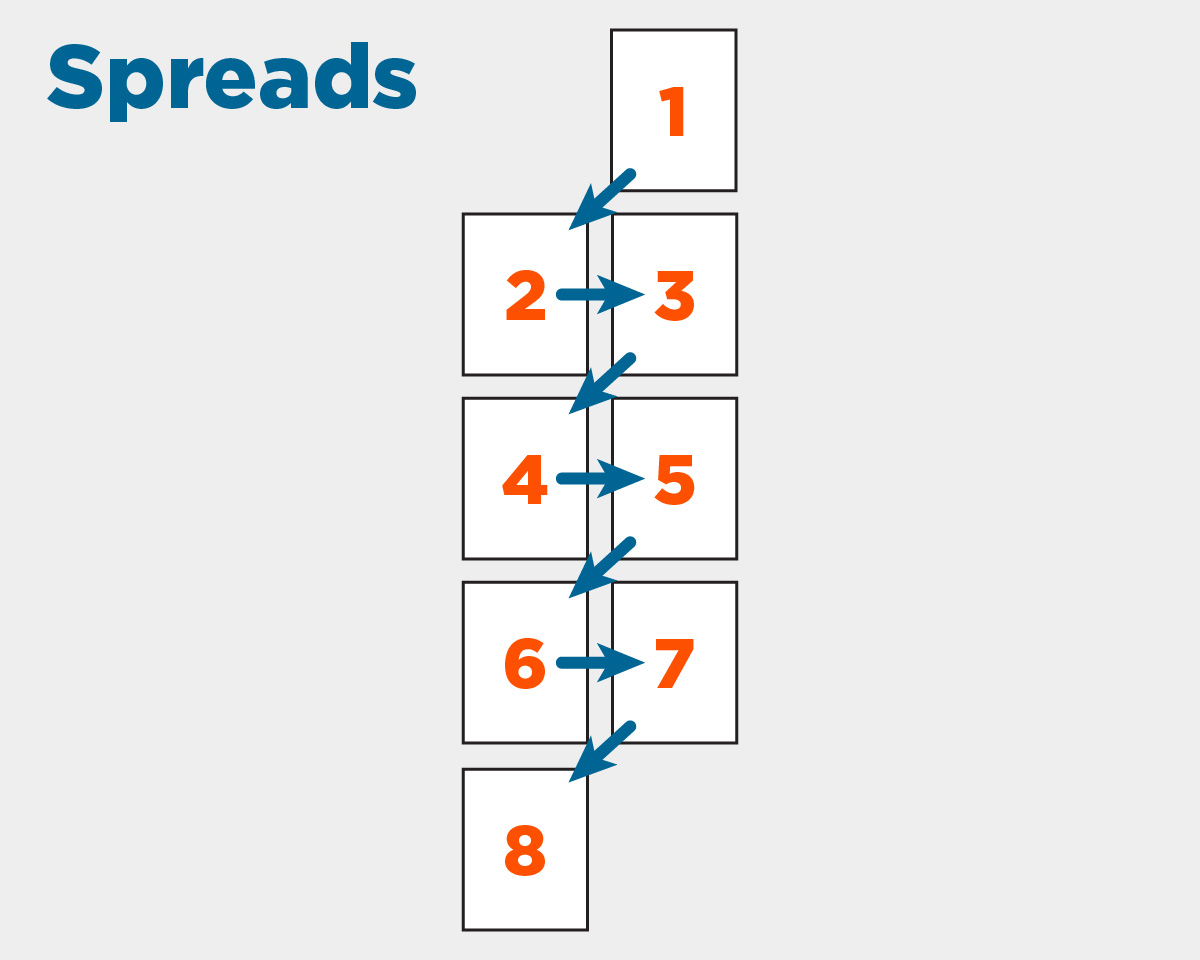
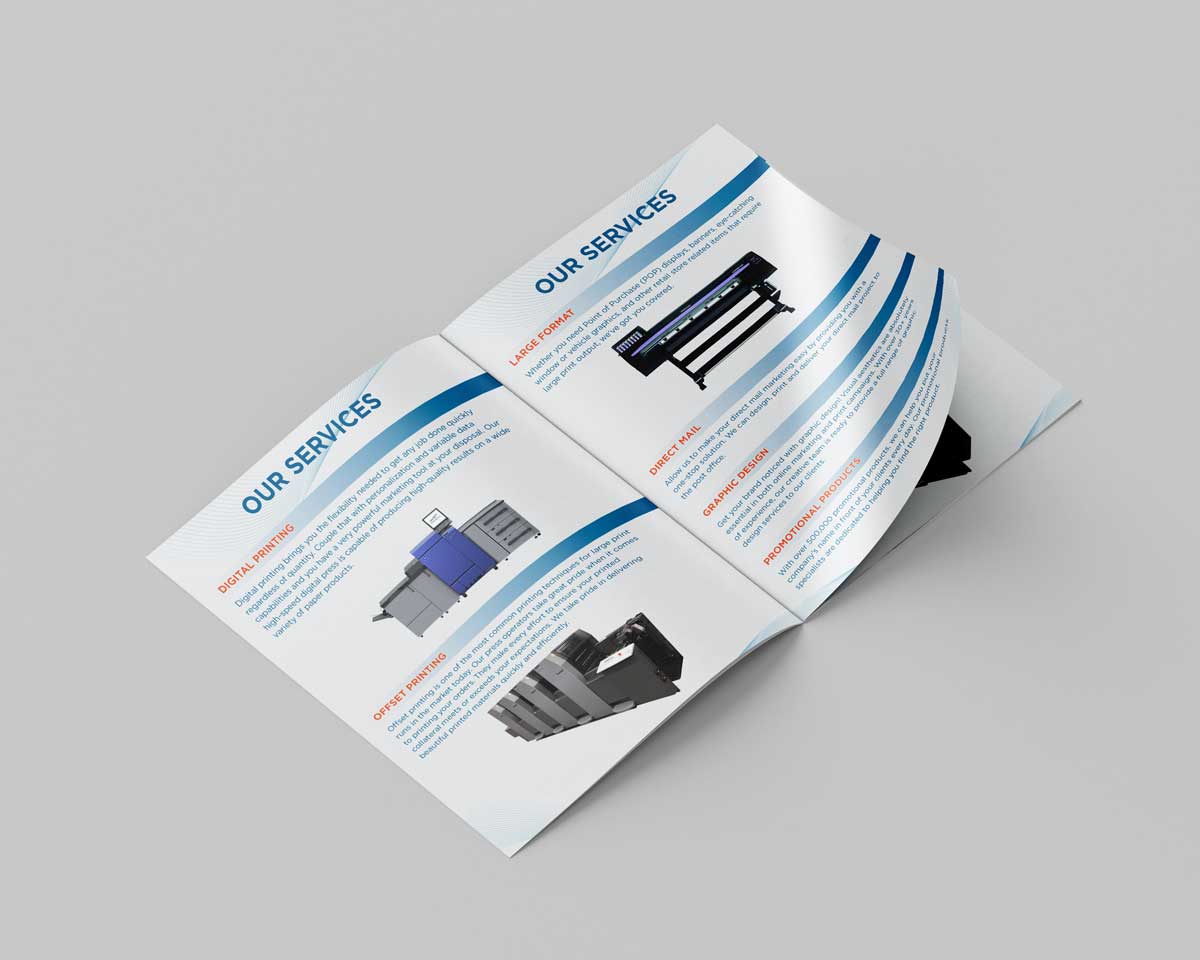
A spread shows two facing pages exactly as they appear when a booklet is opened, similar to a book or magazine layout. For example, an 8.5" × 11" booklet spread displays two pages side by side, creating a combined 17" × 11" view.
Why We Recommend Single Pages

Although spreads are helpful for visualizing the final layout, submitting files as single pages allows our prepress team to correctly impose, align, and bind your booklet for professional printing. This ensures accurate page order, proper trimming, and a finished product that matches your expectations. For the smoothest and most efficient printing process, save your booklet as single pages in sequential order (1, 2, 3, 4…).