Clean vs Non-Clean Vectors
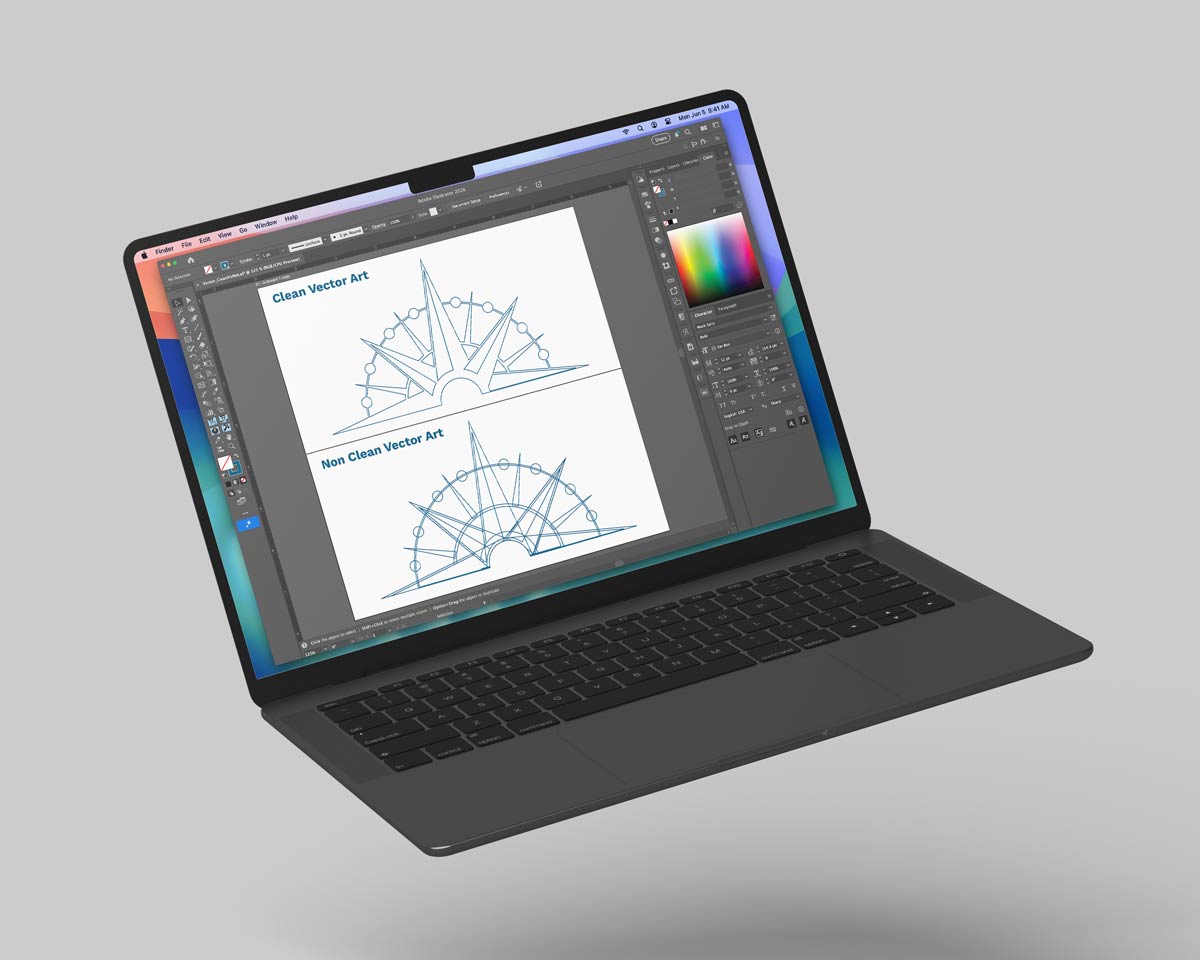
Clean vectors are streamlined and efficient for editing and production, while non-clean vectors are cluttered, inefficient, and prone to errors.
Structural Quality & Efficiency
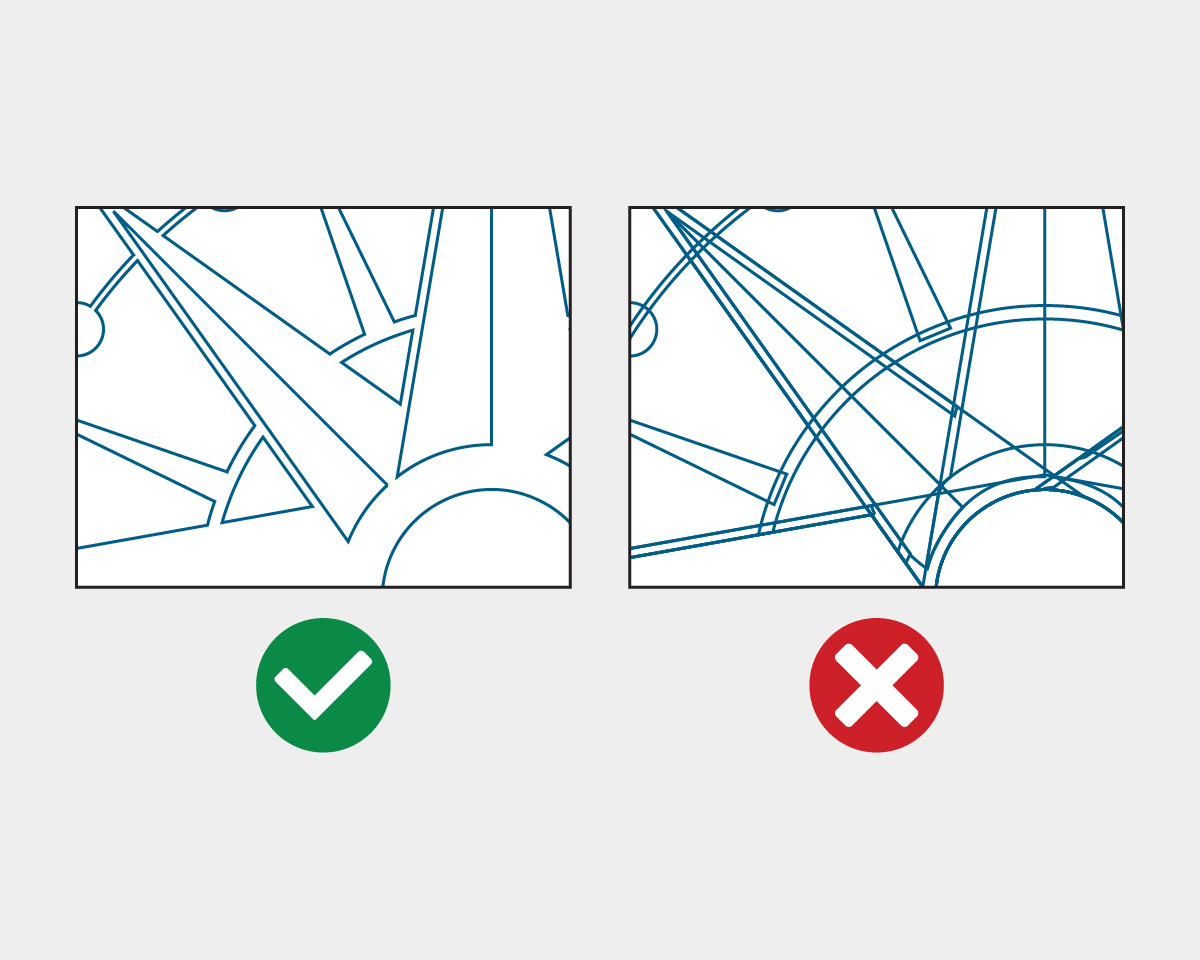
Clean vectors are defined by minimal, strategically placed anchor points and smooth, continuous paths that create precise, efficient shapes. Non-clean vectors contain excessive nodes, stray points, and overlapping paths—often from automatic tracing—resulting in cluttered, inefficient files.
Performance, Editing, & Scalability
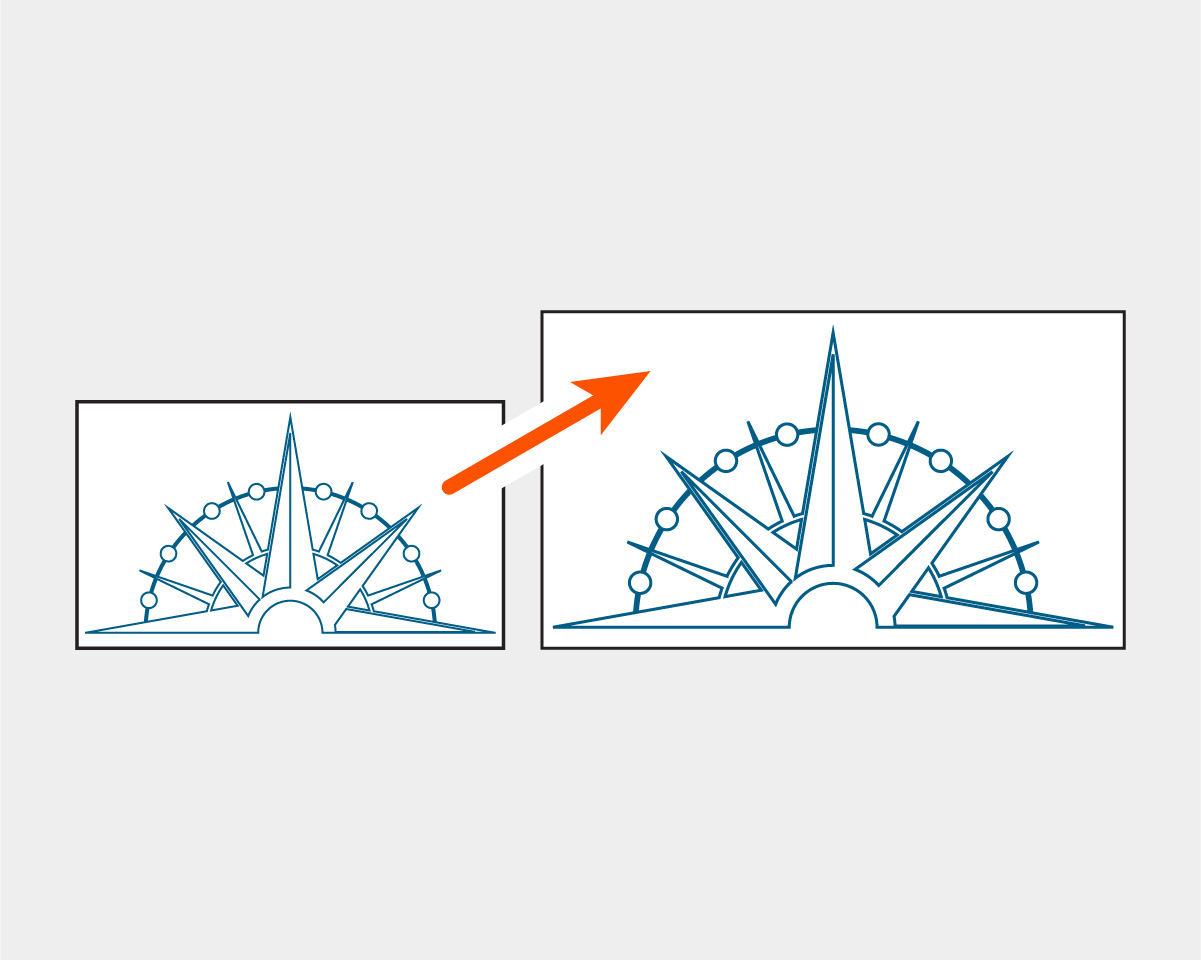
Clean vectors are easy to edit, scale, and manipulate without sacrificing quality, and they maintain smaller file sizes for optimal software performance. Non-clean vectors can slow programs down, require extensive manual cleanup, and make even simple edits time-consuming.
Production Reliability & Best Practices
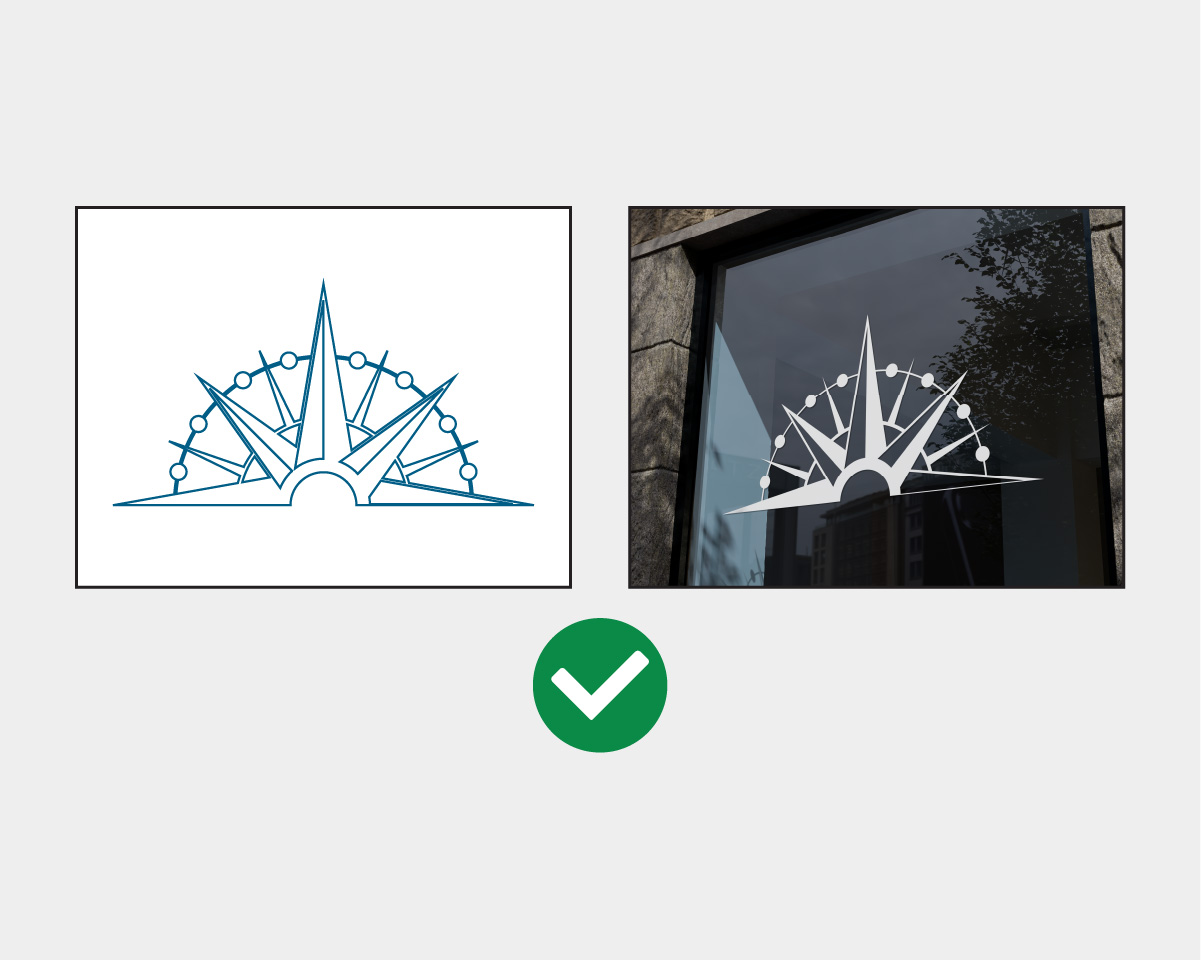
Clean vectors are essential for production processes like vinyl cutting, CNC routing, and laser engraving to prevent double cuts, material damage, and inaccurate results. Achieving clean vectors can typically involve manual redrawing of lines, simplifying and smoothing paths, merging shapes properly, or using vector-cleanup tools to refine artwork. Common vector-based programs include: Adobe Illustrator, Figma, Inkscape, CorelDRAW, or Affinity Designer.