Effectively prepare your files for printing
Download a template for your political campaign materials
Understanding the difference between CMYK process colors and Pantone® spot colors helps ensure accurate color reproduction and consistent results in print.
Clean vectors are streamlined and efficient for editing and production, while non-clean vectors are cluttered, inefficient, and prone to errors.
The following steps ensure your design prints cleanly and professionally by preventing white edges, cut-off content, and color issues.
Bleed prevents white edges, crop marks indicate where to trim, and margins keep key content safely inside the cut.
RGB is for screens, CMYK is for print, and they produce color differently—read more for printing best practices.
There are two common ways to save booklet files for professional printing.
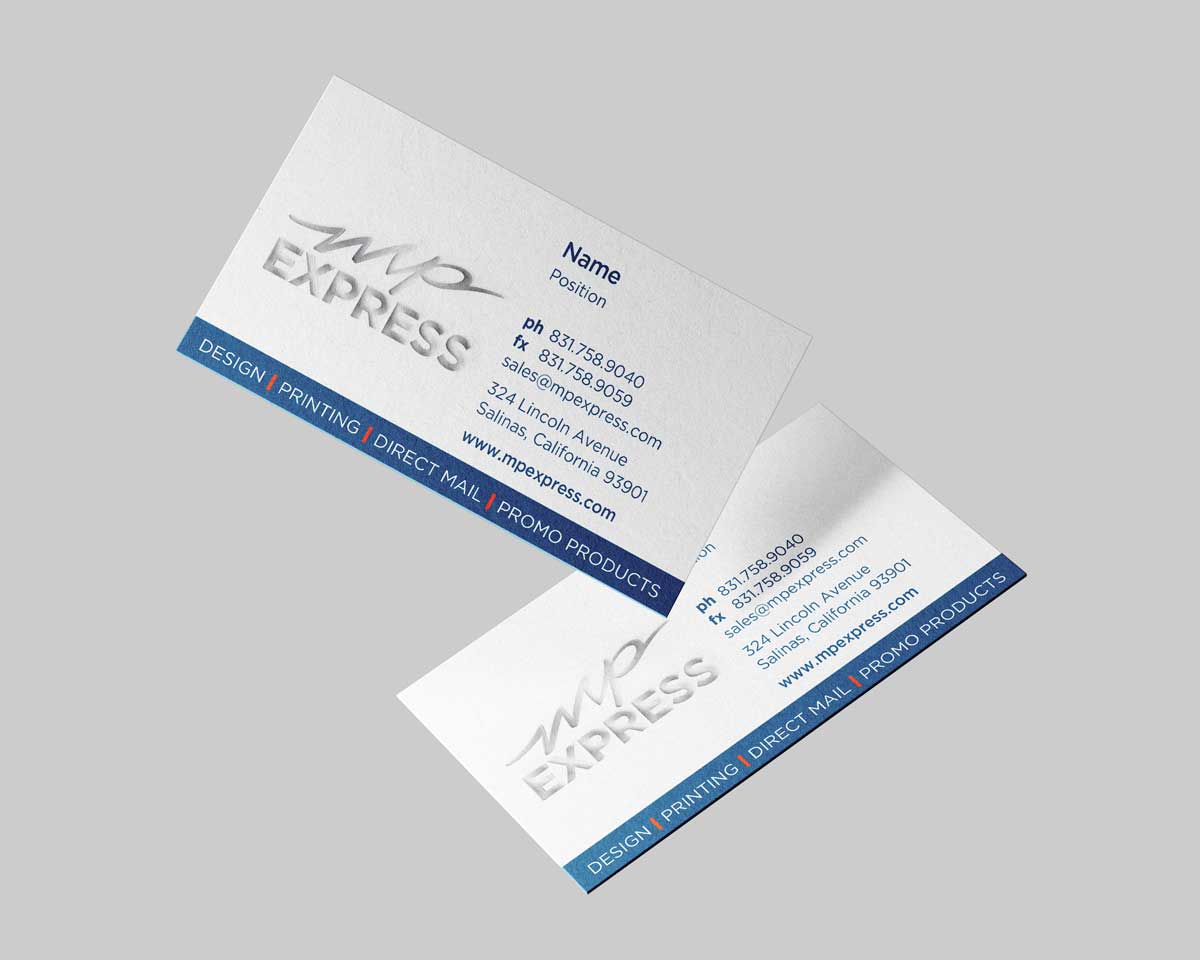
Here are some practical tips to help you create professional, print-ready business cards that look great and communicate your information clearly.