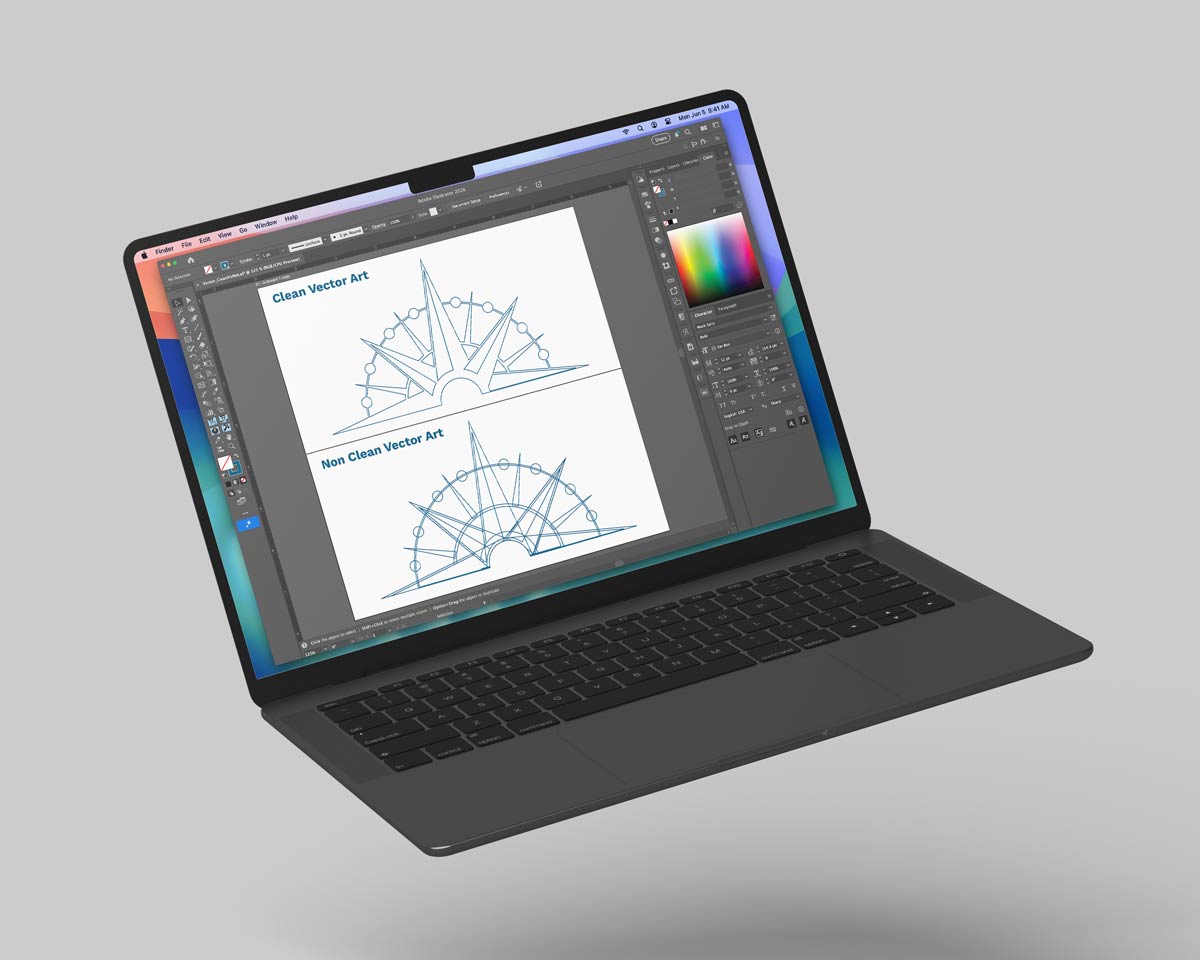
Bleed, Crops & Margins Explained

Bleed prevents white edges, crop marks indicate where to trim, and margins keep key content safely inside the cut.
What Bleed Is and Why It Matters
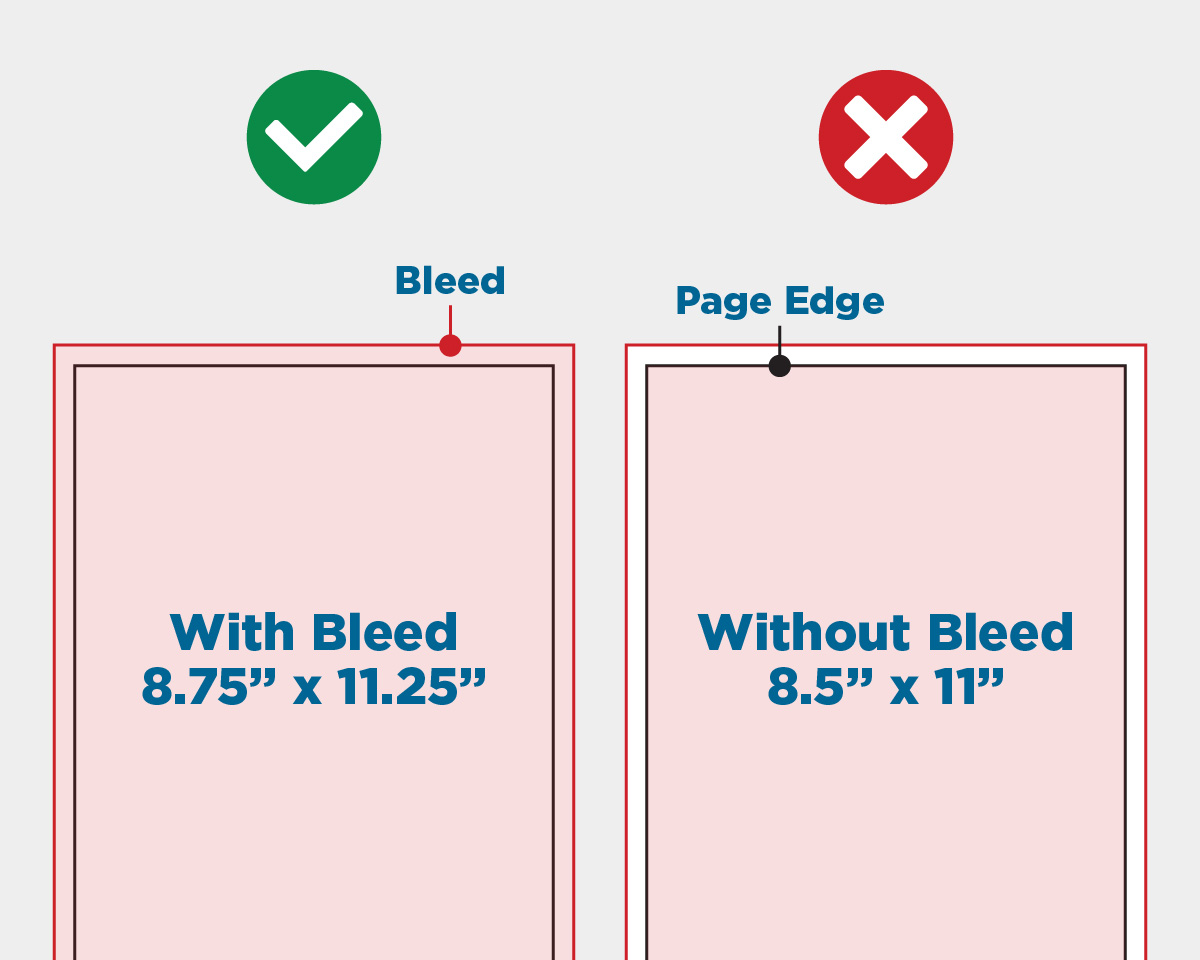
Bleed is a safety area that extends your design beyond the final trim edge so that when printed material is cut down to size, there are no unintended white borders showing at the edges. Printers cut large sheets down to the finished size, and slight variations in trimming are normal — bleed ensures the background or edge graphics continue seamlessly to every edge without gaps.
In practice: For most printed items, you’ll add about 0.125" (1/8") of bleed on all sides. This means your working file needs to be slightly larger than the final print size.
Why Margins (Safe Zones) Matter Too
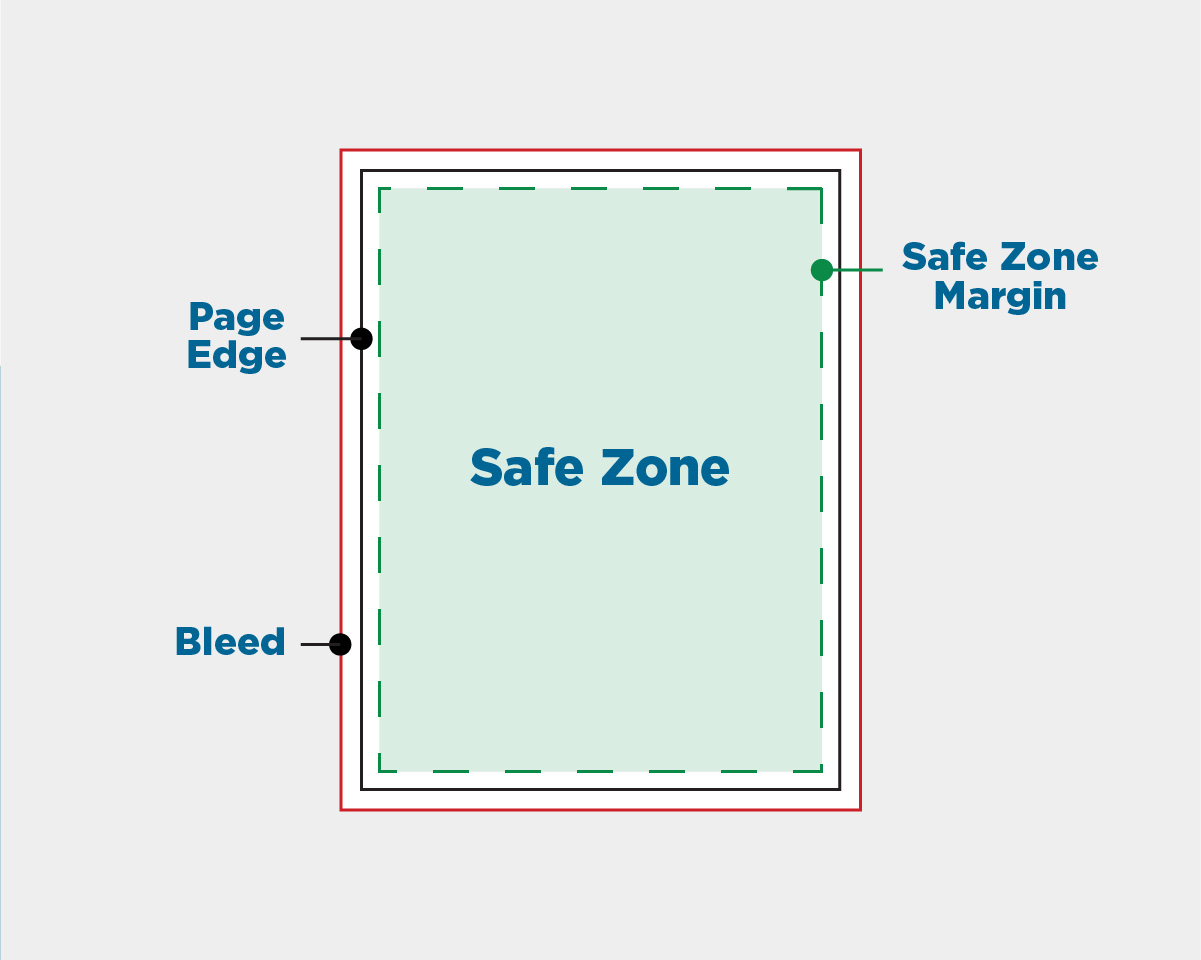
Margins are the safe area inside the trim line where all important elements (text, logos, key graphics) should stay. Because the cutter can shift slightly, placing critical content too close to the edge could result in it being cut off unintentionally. A good rule of thumb is to keep essential elements at least a small distance inside the final cut edge — often similar to or slightly more than the bleed — so nothing gets accidentally trimmed off.
What Crop Marks Are For
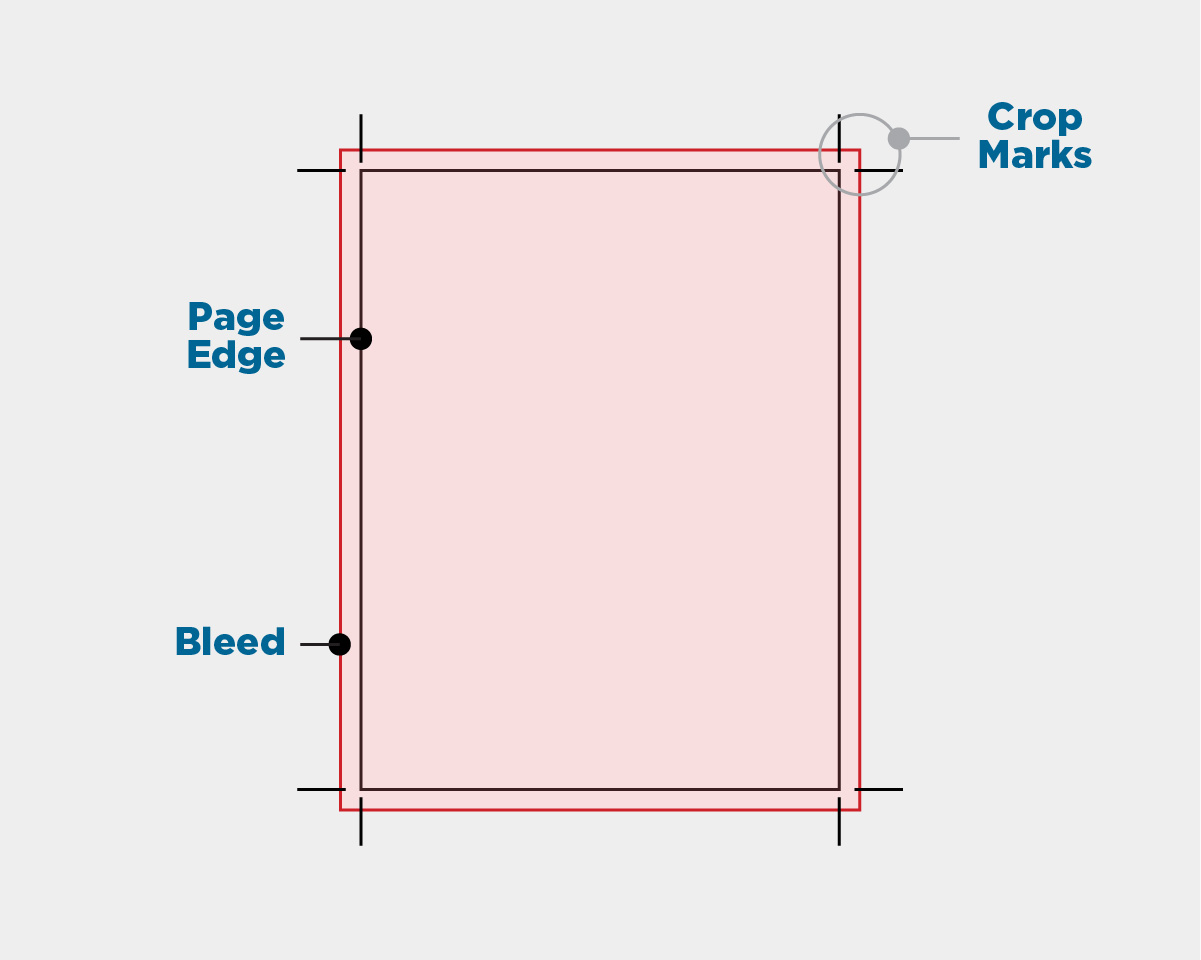
Crop marks (also called trim marks) are tiny lines placed at the corners of your design to show the printer exactly where to trim the sheet. They are not part of the final printed piece — they’re just guides for the press operator. Crop marks work alongside bleed so the printer knows where the edge of the finished product should be after cutting.